

Compare
Invoices in Pennylane? Labelmate finds the ones to recoup from your artists.
Your invoices go through Pennylane. But for your statements, you have to find the ones to recoup from each artist, then copy their amounts over. Labelmate spots them in your email, the AI reads the amount, and you approve.
Today
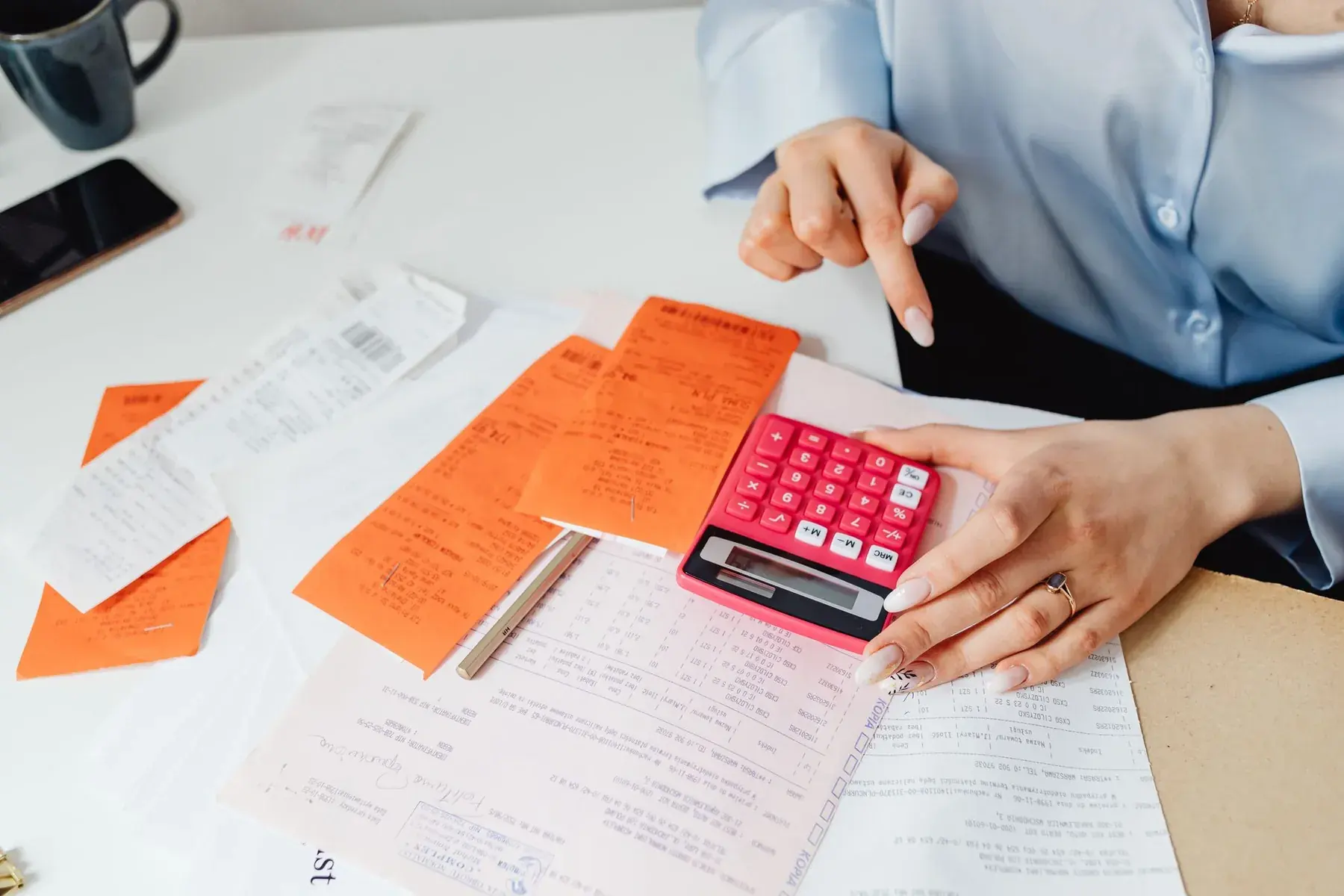
Your recoupable costs with Pennylane today
 PennylaneCosts to recoup, looked up invoice by invoice in the books.
- For each artist, you look through the books for costs to recoup.
- You copy their amounts into the statements spreadsheet.
- An invoice that arrives late waits for the next period, or gets lost.
Point by point
 With Labelmate
Bookkeeping
With PennylaneYesThat's what it does.
 With Labelmate
Not statedLabelmate doesn't do your books.
Costs to recoup
With PennylaneNoLooked up invoice by invoice.
With LabelmateYesProposed from the invoices in your email. You approve.
The amount
With PennylaneNoCopied by hand.
With LabelmateYesRead from the invoice by the AI, which quotes the passage.
A late invoice
With PennylaneNoNot to be forgotten next period.
With LabelmateYesCounted in the next statement.
What you keep
Keep Pennylane for your bookkeeping. Labelmate doesn't connect to it: it reads invoices in your email.













Your next statements, without spreadsheets.
Founding labels: 50% off your first year, onboarding included.
Apply for accessThe names and logos shown belong to their owners. Labelmate is not affiliated with or endorsed by them.
Photo: Kaboompics on Pexels